Output layers
The output layers tab of each pipeline lists the layers it writes into the shared
output (the output file set on the config card). The YAML side is covered under
layers in the reference. Each layer card has:
- layer name: the table name inside the GeoPackage (for a multi-layer GeoParquet output, the file name).
- CRS: the CRS the geometry is reprojected to when it's written. Pick it from the searchable list of
common CRSs (search by code or name, e.g. UTM 33), or type any
AUTHORITY:CODE. - filter: optional: only the rows that match go into this layer. Pick conditions as column · operator · value rows, or write SQL with the <> button, as for the filter step. A live check under the field tells you whether it works.
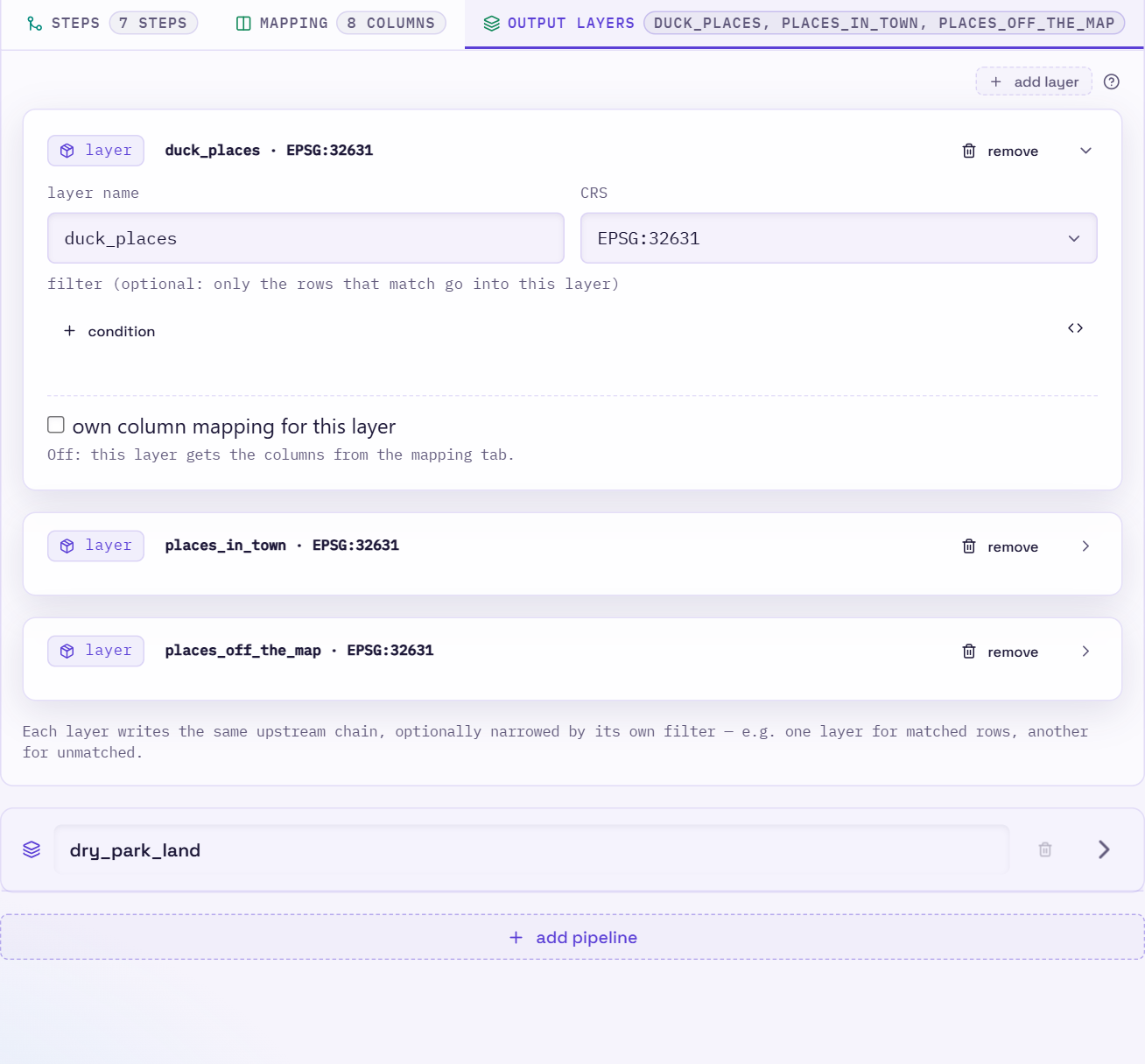

All layers of a pipeline get the same rows, so filters are how you split them. For example, a
ducks layer with no filter can sit next to a ducks_off_pond layer with pond IS NULL
(ducks that wandered off for a waddle). To take rows out of the chain at a particular step instead,
give that step a rejects layer. Those don't appear in this
tab: they're set on the step, and written as they are at that step, without the mapping.
Filters use upstream column names
A layer filter runs before the mapping, so it refers to the column names coming out of
the last step (pond, s_pond_type), not the renamed output columns.
Per-layer mapping
By default every layer writes the columns from the mapping tab. To give one layer different columns, for example a slim public layer next to a full internal one, tick own column mapping for this layer on its card:
- + column adds a mapping row. The rows work like the ones on the mapping tab: the same
from/const/expr/func/codelistkinds, casts and drag-to-reorder. - copy pipeline mapping fills the list with a copy of the mapping tab, so you can start from it and remove or change columns. Later changes on the mapping tab don't affect the copy.
- Untick the box to go back to the pipeline mapping. A ticked box with no rows also uses the pipeline mapping.
In YAML this is the layer's mapping: key. See
Per-layer mapping.